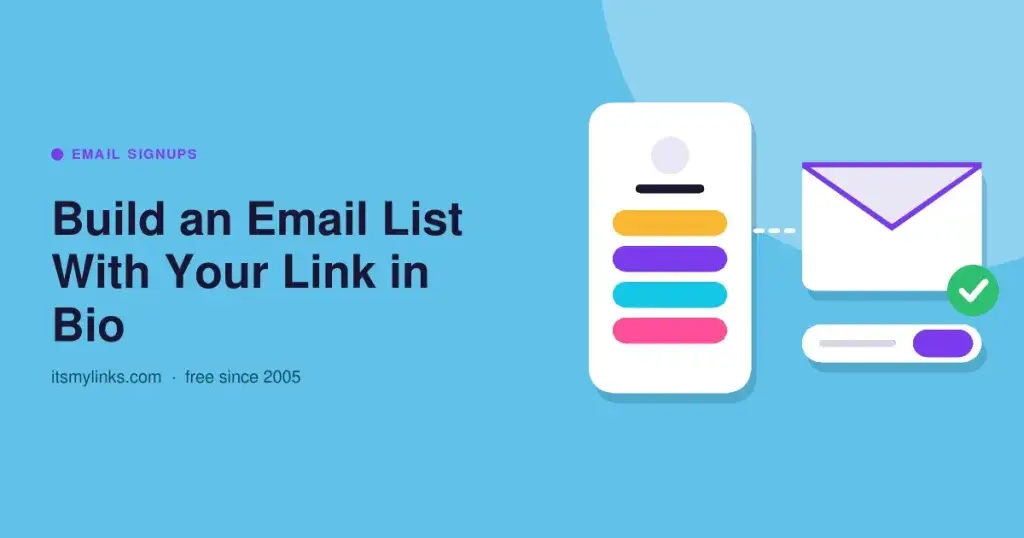
Quick answer: To build an email list with your link in bio, put a link to your email provider's signup page on your link page, give people a clear reason to join, and move that signup link to the top whenever you are actively pushing it. You do not need a form built into the link page itself. A short, specific offer, a label that names what people get, and a welcome email that delivers it right away do most of the work.
Why the link in bio is a good place to grow a list
Followers who tap your profile link have already chosen to leave the app to see more of you. An email address turns that one visit into a way to reach them again, on your schedule, without depending on what a feed decides to show. And unlike a post, the link on your profile keeps working for every new visitor.
How it works when your link page has no form
ItsMyLinks does not have a built-in signup form, and you do not need one. Your email provider already collects the address, records consent, and stores the list. Your link page just needs to point at it.
The setup looks like this:
- Your social profile links to your link page.
- Your link page has a signup link near the top, labeled with what people get.
- That link opens a signup page hosted by your email provider, or a page on your own site with your provider's form on it.
- Your provider sends a welcome email, which delivers whatever you promised.
If you write on Substack, its subscribe page already does this job, and link in bio for Substack covers that setup in detail.
Step 1: Find or create your signup page
Look in your email provider's account for a hosted signup form, landing page, or shareable form link. That URL is what goes on your link page. If your provider does not offer one, add its signup form to a simple page on your own website and link to that page instead.
Keep the signup page short:
- One headline that repeats the offer from your link label.
- An email field, and a first name field only if you will actually use it.
- A plain line saying what people will receive and how often.
- A clear way to opt in, following the consent options your provider gives you and the rules where you and your subscribers live.
Open it on your phone before you share it. Visitors from a bio link arrive from a phone app, so the form has to be easy to fill in on a small screen.
Step 2: Give people a reason to join
"Join my newsletter" asks for an address and offers nothing specific in return. A lead magnet, something useful you give away in exchange for the email, gives people a reason to say yes today.
Good lead magnets are small, specific, and tied to what you already post about:
- A one-page checklist or cheat sheet.
- A template, preset, or printable.
- A short guide that answers a question your followers ask often.
- A discount code for your shop, delivered in the welcome email.
- Early access to a drop, a date, or a release before it goes public.
Pick one. Several offers make people choose instead of just joining.
Step 3: Write a label that names the offer
The link label should say what people get, not what they have to do. "Free packing checklist" beats "Subscribe." "Get 10% off your first order" beats "Newsletter."
Use the same words in three places: the post where you mention the offer, the link label, and the headline on the signup page. When all three match, the visitor knows they are in the right place at every step.
Step 4: Put the signup link first during a push
When you are actively promoting your list, with a new lead magnet, a launch, or a week of posts about it, move the signup link to the top of your page. The first link gets the most attention, and a push only works if the people it sends can find the signup in one glance.
When the push ends, you can move the signup link down to make room for your next priority, but keep it on the page. It will keep collecting addresses from visitors who find you later. For a simple routine on when to change the order, see how often to update your link in bio, and for grouping the rest of your links, link in bio organization.
Step 5: Promote it beyond the profile
Mention the offer in your content, since most people only visit your profile when a post sends them:
- End a post or video with one line naming the lead magnet and pointing to your bio link.
- On Instagram, add the Link sticker to a story so viewers can tap straight through. Instagram notes that not all stickers are available to everyone.
- Pin a post that explains the offer, so new visitors see it near the top of your profile.
Step 6: Tag the signup link so you know what works
If your signup page sits on your own website with Google Analytics, add UTM parameters to the link so you can see which platform sent each visitor. Google recommends always using utm_source, utm_medium, and utm_campaign, for example ?utm_source=instagram&utm_medium=social&utm_campaign=checklist. Tagged visits show up in the Traffic acquisition report. Use a different utm_source for each platform, and keep values lowercase, since Google treats them as case sensitive. The wider tracking setup is in link in bio traffic strategy.
If your provider hosts the signup page, check whether it records where signups came from. If not, compare signup counts against the days you posted.
Step 7: Deliver fast, then keep your promise
Set up a welcome email that sends as soon as someone joins and delivers the lead magnet. People sign up because they want it now.
After that, send what the signup page promised, at the pace it promised.
Mistakes that cost signups
- Burying the signup link during a campaign meant to grow the list.
- A vague label like "Newsletter" with no offer attached.
- A signup page that is slow or hard to fill in on a phone.
- A lead magnet that never arrives, or arrives days later.
- A link the platform does not trust. If it gets flagged or blocked, no signup page can help.
ItsMyLinks gives you one free page with unlimited links, no ads in front of your signup link, and a domain online since 2005 that is less likely to be flagged. Setup at itsmylinks.com/join takes about a minute, with no card.
Frequently Asked Questions
Do I need a signup form on my link in bio page?
No. Link to your email provider's hosted signup page, or to a page on your site with its form. The provider collects the address and handles consent, so your link page only needs a clear signup link.
What should my email signup link say?
Name what people get. "Free checklist," "10% off your first order," or "Early access to the next drop" all tell visitors why to tap. Generic words like "Subscribe" or "Newsletter" give them no reason.
Should the signup link always be first on my page?
Put it first while you are actively promoting your list. Between pushes it can move lower to make room for other priorities, but keep it on the page so it keeps collecting signups from new visitors.
What is a lead magnet?
Something useful you give away in exchange for an email address, such as a checklist, template, short guide, or discount code. It works best when it is small, specific, and related to what you already post about.
How can I tell which platform brings the most signups?
If the signup page is on your own site with Google Analytics, tag the link with a different utm_source for each platform. If your provider hosts the page, check its signup source details or compare signups against the days you posted.